
What Causes iPhone Battery Drain Overnight and How to Prevent It
Waking up to find that your iPhone has lost a significant amount of battery overnight can be frustrating, especially when you went to bed with plenty of charge. While some battery loss during the night is normal, a large or sudden drop may indicate that an app, setting, network connection, battery condition, or hardware issue is consuming more power than expected.
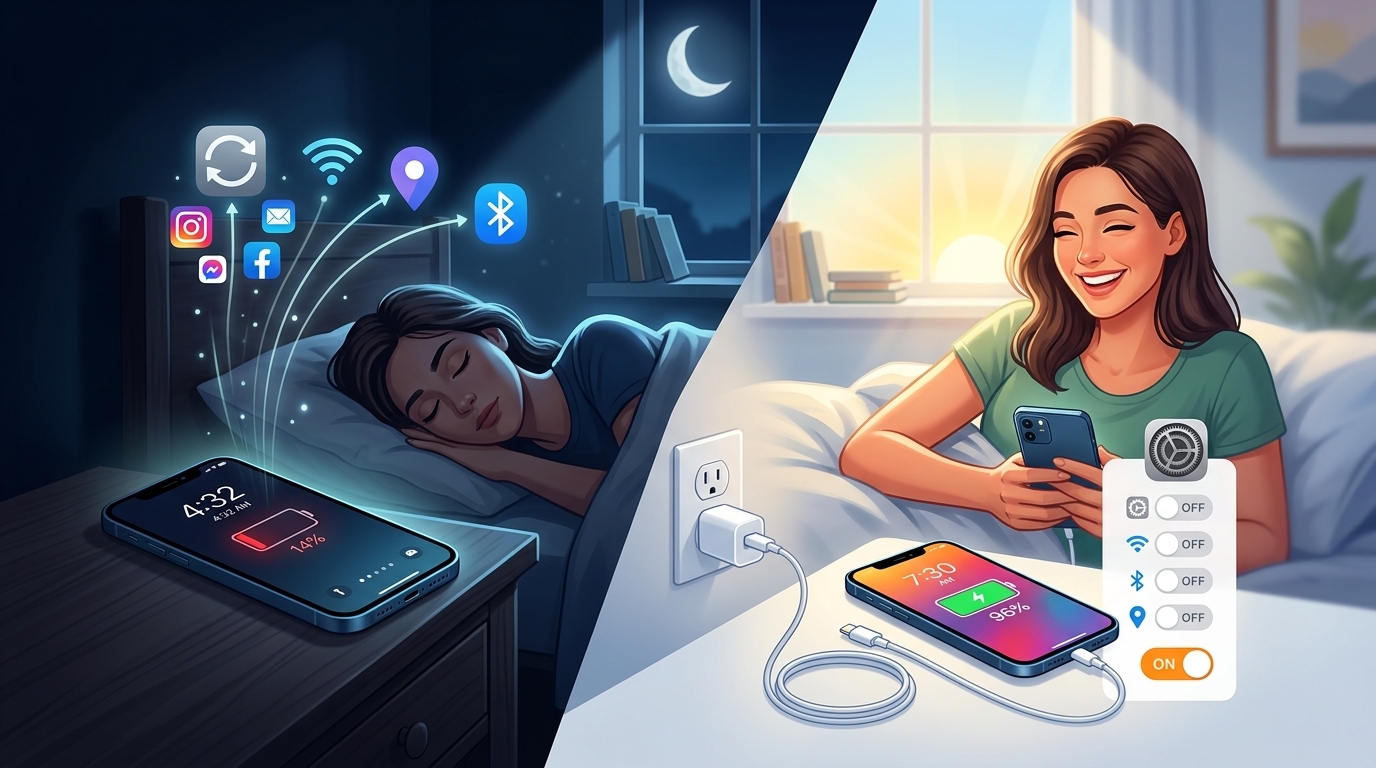
The good news is that many overnight battery-drain problems can be reduced with a few simple changes. If your iPhone continues losing battery unusually quickly despite troubleshooting, professional iPhone repair Brooklyn NY can help identify whether the battery or another component needs attention. Avenue D Cellular provides battery diagnostics and repair services, along with iPhone screen repair Brooklyn and other common iPhone repairs.
How Much Battery Should an iPhone Lose Overnight?
There isn't one exact percentage that every iPhone should lose overnight. Battery consumption depends on your device, settings, network connection, apps, notifications, and battery condition.
A small amount of battery usage while sleeping is normal because your iPhone may still perform background tasks, receive notifications, maintain network connections, and synchronize information.
However, if you regularly lose a large portion of your battery while the phone is barely being used, it's worth investigating.
1. Background App Activity
One of the most common causes of battery drain is background activity.
Some applications continue performing tasks even when you're not actively using them. These activities can include:
- Synchronizing data
- Checking for new information
- Updating content
- Using location services
- Processing notifications
- Uploading photos or files
Check your iPhone's battery usage information to see which applications are consuming the most energy.
If one app is using an unusually high percentage overnight, review its settings and consider updating or reinstalling it.
2. Poor Cellular Signal
Your iPhone can use additional power when trying to maintain a cellular connection in an area with weak reception.
If you sleep in a location where the cellular signal is consistently poor, your phone may work harder to maintain connectivity.
This can contribute to overnight battery drain.
If possible, connect your iPhone to a reliable Wi-Fi network. If cellular reception is extremely weak, you can also consider whether you actually need cellular connectivity active while sleeping.
3. Too Many Notifications
Notifications require your iPhone to wake the display, process information, and sometimes perform background tasks.
Receiving a large number of notifications throughout the night can contribute to battery usage.
Review which applications are allowed to send notifications.
Disable unnecessary notifications while keeping important alerts enabled.
Reducing unnecessary interruptions can help conserve battery power and make nighttime use more peaceful.
4. Location Services
Location services can consume battery when applications repeatedly request your location.
Navigation, weather, fitness, delivery, and social media applications may use location-related features.
Review which applications have access to location services and choose appropriate permissions.
If an app doesn't need your location continuously, consider limiting its access.
Reducing unnecessary location activity can help improve battery life.
5. Background Synchronization
Your iPhone may continue synchronizing information while you're sleeping.
Email, cloud storage, photos, contacts, calendars, and other services may perform background tasks.
This activity can become more noticeable if you recently added a large number of photos or files.
If your phone is performing a major backup or synchronization overnight, temporary battery usage may be higher than usual.
6. An Aging Battery
Battery age is another important factor.
As lithium-ion batteries chemically age, their ability to hold a charge decreases.
An aging battery may cause:
- Faster battery drain
- Unexpected shutdowns
- Shorter battery life
- Slow charging
- Battery percentage changes
- Increased heat
If your iPhone is losing a large amount of battery overnight and the battery is significantly degraded, replacement may be worth considering.
A professional technician can evaluate the battery and determine whether replacement is appropriate.
7. Software Problems
Occasionally, software bugs or background processes can cause unusual battery consumption.
If overnight battery drain started suddenly after an update or application installation, look for patterns.
Restart your iPhone and make sure your software and applications are appropriately updated.
If the problem continues for several nights, review your battery usage to identify which process or application may be responsible.
8. Always-On Features and Display Activity
Some iPhone models include display and convenience features that can use additional power.
Features such as Always-On Display, frequent notifications, widgets, and other active functions can contribute to battery consumption.
Review your display and notification settings and disable features you don't need overnight.
You don't necessarily need to turn off every feature. Instead, focus on settings that provide little value while you're sleeping.
9. Extreme Temperatures
Temperature can affect battery performance.
Leaving your iPhone in a very hot or very cold environment can cause unusual battery behavior.
Avoid leaving the device:
- Near a heater
- In direct sunlight
- In a hot vehicle
- Near other heat-producing equipment
- In extremely cold environments
Keep the iPhone in a moderate environment while sleeping.
Excessive heat is particularly undesirable because it can accelerate battery aging over time.
10. A Damaged or Faulty Component
If battery drain is severe and accompanied by other hardware problems, there could be an internal issue.
For example, if the phone was recently dropped or exposed to liquid, internal components may have been affected.
Other warning signs include:
- Unexpected restarts
- Excessive heat
- Charging problems
- Screen issues
- Camera problems
- Unusual battery percentage changes
In these situations, professional iPhone repair Brooklyn NY may be appropriate.
How to Prevent Overnight Battery Drain
You can take several practical steps to reduce unnecessary overnight battery usage.
Review Battery Usage
Check which apps are consuming the most battery and investigate unusual activity.
Reduce Unnecessary Notifications
Turn off alerts from applications that don't need to notify you overnight.
Manage Location Permissions
Limit location access for apps that don't require continuous location information.
Use Reliable Wi-Fi
A stable Wi-Fi connection may reduce the power required to maintain a weak cellular connection.
Keep Software Updated
Appropriate software updates can address bugs and improve device performance.
Keep the Phone Cool
Avoid leaving your iPhone in hot environments overnight.
Check Battery Health
If the battery is significantly degraded, consider having it professionally evaluated.
Should You Turn Off Your iPhone Every Night?
You don't normally need to turn off your iPhone every night just to prevent battery drain.
Modern iPhones are designed to remain on and perform background tasks efficiently.
However, restarting the device occasionally can help resolve temporary software problems.
If your iPhone continues losing a large amount of battery while idle, investigate the underlying cause rather than relying on nightly shutdowns.
When Should You Get Professional iPhone Repair?
Consider professional service if:
- Your iPhone loses a large amount of charge every night.
- The battery drains rapidly during normal use.
- The device becomes unusually hot.
- The battery percentage changes unexpectedly.
- The iPhone shuts down without warning.
- Charging is unreliable.
- The problem started after a drop or liquid exposure.
- Battery troubleshooting doesn't solve the problem.
A technician can inspect the battery and other components to determine whether repair or replacement is appropriate.
If your phone has also suffered physical damage, professional iPhone screen repair Brooklyn may be needed.
Why Choose Avenue D Cellular?
If you're searching for reliable iPhone repair Brooklyn NY, Avenue D Cellular provides professional diagnostics and repair services for common iPhone problems.
Services can include:
- Battery diagnostics
- Battery replacement
- Charging port repair
- Screen replacement
- iPhone screen repair Brooklyn
- Speaker and microphone troubleshooting
- Camera-related repairs
- General iPhone diagnostics
Professional evaluation can help identify whether overnight battery drain is caused by software, settings, battery aging, or another hardware issue.
Final Thoughts
Overnight iPhone battery drain can have many causes, including background applications, weak cellular signals, location services, notifications, software issues, extreme temperatures, and an aging battery. A small amount of overnight battery use is normal, but significant or sudden battery loss deserves attention.
Start by checking battery usage, managing background activity, reducing unnecessary notifications, reviewing location settings, and keeping your iPhone at a comfortable temperature. If the battery continues draining rapidly or the device shows signs such as overheating, unexpected shutdowns, or charging problems, professional diagnosis may be the best next step.
For dependable iPhone repair Brooklyn NY, Avenue D Cellular provides battery diagnostics, replacement services, charging repairs, and other solutions. Whether you need battery service or iPhone screen repair Brooklyn, addressing the problem early can help improve your iPhone's reliability and extend its useful life.

 English
 Arabic
 French
 Spanish
 Portuguese
 Turkish
 Dutch
Dutch
 Italiano
 Russian
 Romaian
 Portuguese (Brazil)
 Greek
Greek
