
MLB The Show 26 PS5: How to Solve Game Crash Issues
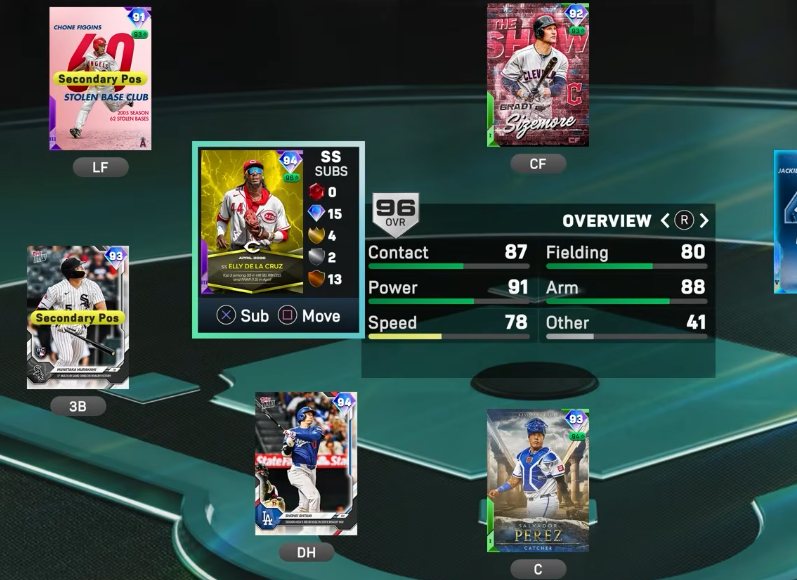
If you’re experiencing frequent crashes while playing MLB The Show 26 on PS5, there are several practical fixes you can implement, combining both in-game adjustments and system-level maintenance. Here’s a detailed guide to stabilize your gameplay.
1. Force In-Game Stability Changes
Many crashes happen when navigating heavy UI screens or during online interactions. Adjust these settings to reduce risk:
- Turn Off VRR (Variable Refresh Rate): Go to PS5 Settings > Screen and Video > Video Output and toggle VRR to Off.
- Disable Cross-Play: In the game's online settings, turn cross-play off to minimize data synchronization errors.
- Avoid Unstable Menus: Rapidly switching through Progress/XP tabs, the Collections screen, or making quick lineup swaps can trigger crashes. Move slowly through these areas.
- Bypass Diamond Dynasty Menus: If clicking into Diamond Dynasty crashes the console, access your Moments directly from the main game screen instead.
- Handle "Unhandled Server Exception": During Mini Seasons, if a crash occurs, avoid immediately forcing a rejoin. Wait a few minutes or log out to clear server-side locks.
2. Perform a Storage and Database Refresh
Corrupted system files or cache can cause PS5 dashboard crashes (CE-34878-0). Here's how to fix it:
- Clear Cache & Rebuild Database:
- Fully power down the PS5.
- Hold the power button ~7 seconds until a second beep sounds to enter Safe Mode.
- Connect your controller via USB and select Clear Cache and Rebuild Database, executing both in sequence.
- Restore Game Licenses: Go to PS5 Settings > Users and Accounts > Other > Restore Licenses.
- Avoid Rest Mode While Playing: Closing the game completely before turning off the console prevents volatile memory leaks.
3. Prevent Hardware Overheating
Intense graphical rendering during batter walk-ups and crowded stadiums can overwork the PS5 CPU/GPU. Reduce overheating risk:
- Proper Placement: Ensure your console has at least 4 inches of clearance on all sides. Avoid enclosed cabinets or carpeted surfaces.
- Clean Heat Sinks: If your PS5 shuts down unexpectedly, remove the faceplates and use compressed air to clear dust from internal fans.
© 2026 ShareMe Global
 Spanish
Spanish
 English
 Arabic
 French
 Portuguese
 Deutsch
 Turkish
 Dutch
Dutch
 Italiano
 Russian
 Romaian
 Portuguese (Brazil)
 Greek
Greek
