
MLB The Show 26 PS5: How to Solve Game Crash Issues
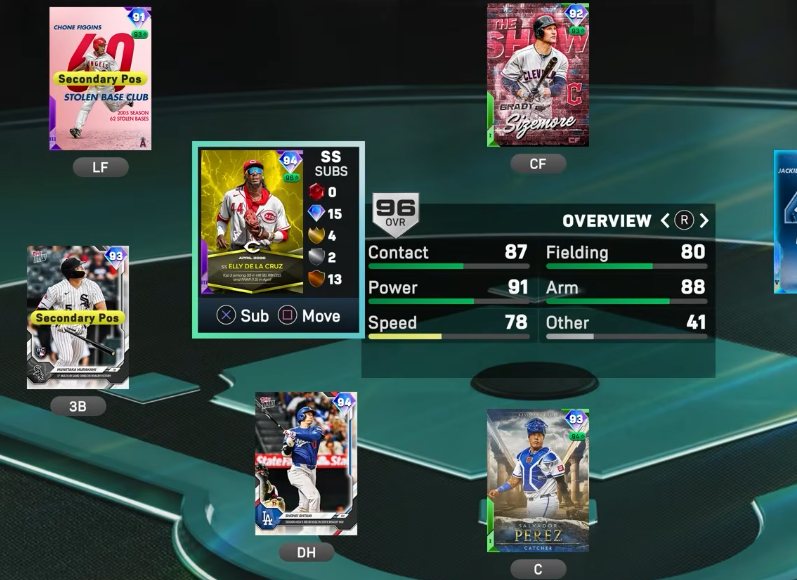
If you’re experiencing frequent crashes while playing MLB The Show 26 on PS5, there are several practical fixes you can implement, combining both in-game adjustments and system-level maintenance. Here’s a detailed guide to stabilize your gameplay.
1. Force In-Game Stability Changes
Many crashes happen when navigating heavy UI screens or during online interactions. Adjust these settings to reduce risk:
- Turn Off VRR (Variable Refresh Rate): Go to PS5 Settings > Screen and Video > Video Output and toggle VRR to Off.
- Disable Cross-Play: In the game's online settings, turn cross-play off to minimize data synchronization errors.
- Avoid Unstable Menus: Rapidly switching through Progress/XP tabs, the Collections screen, or making quick lineup swaps can trigger crashes. Move slowly through these areas.
- Bypass Diamond Dynasty Menus: If clicking into Diamond Dynasty crashes the console, access your Moments directly from the main game screen instead.
- Handle "Unhandled Server Exception": During Mini Seasons, if a crash occurs, avoid immediately forcing a rejoin. Wait a few minutes or log out to clear server-side locks.
2. Perform a Storage and Database Refresh
Corrupted system files or cache can cause PS5 dashboard crashes (CE-34878-0). Here's how to fix it:
- Clear Cache & Rebuild Database:
- Fully power down the PS5.
- Hold the power button ~7 seconds until a second beep sounds to enter Safe Mode.
- Connect your controller via USB and select Clear Cache and Rebuild Database, executing both in sequence.
- Restore Game Licenses: Go to PS5 Settings > Users and Accounts > Other > Restore Licenses.
- Avoid Rest Mode While Playing: Closing the game completely before turning off the console prevents volatile memory leaks.
3. Prevent Hardware Overheating
Intense graphical rendering during batter walk-ups and crowded stadiums can overwork the PS5 CPU/GPU. Reduce overheating risk:
- Proper Placement: Ensure your console has at least 4 inches of clearance on all sides. Avoid enclosed cabinets or carpeted surfaces.
- Clean Heat Sinks: If your PS5 shuts down unexpectedly, remove the faceplates and use compressed air to clear dust from internal fans.

 English
 Arabic
 French
 Spanish
 Portuguese
 Deutsch
 Turkish
 Dutch
Dutch
 Russian
 Romaian
 Portuguese (Brazil)
 Greek
Greek
